Integrating Videos
To add videos to your content, follow these simple steps:
- Upload the video to Vimeo: First, upload your video to your Vimeo account.
- Copy the video link: Once the video is uploaded, copy its URL.
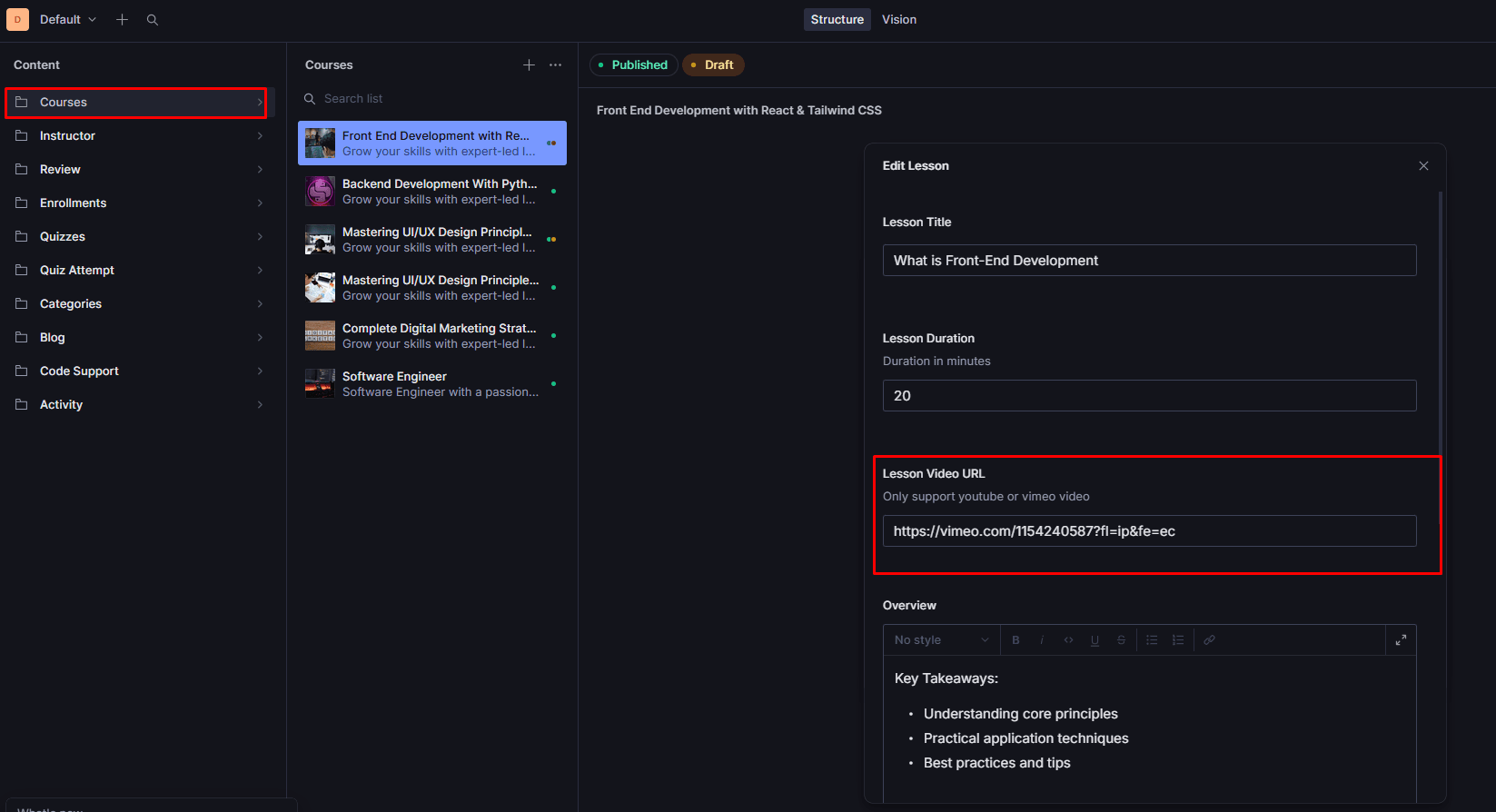
- Add the link in Sanity: Go to your Sanity Studio, find the schema where you want to add the video, and paste the copied Vimeo link.
Here is an example of what the video field looks like in the Sanity schema: